
AI for Accounts Payable & Invoice Processing: An SME Guide
How Southeast Asian SMEs can use AI to automate invoice processing, execute 3-way matching, and eliminate manual bookkeeping errors without enterprise ERP budgets.
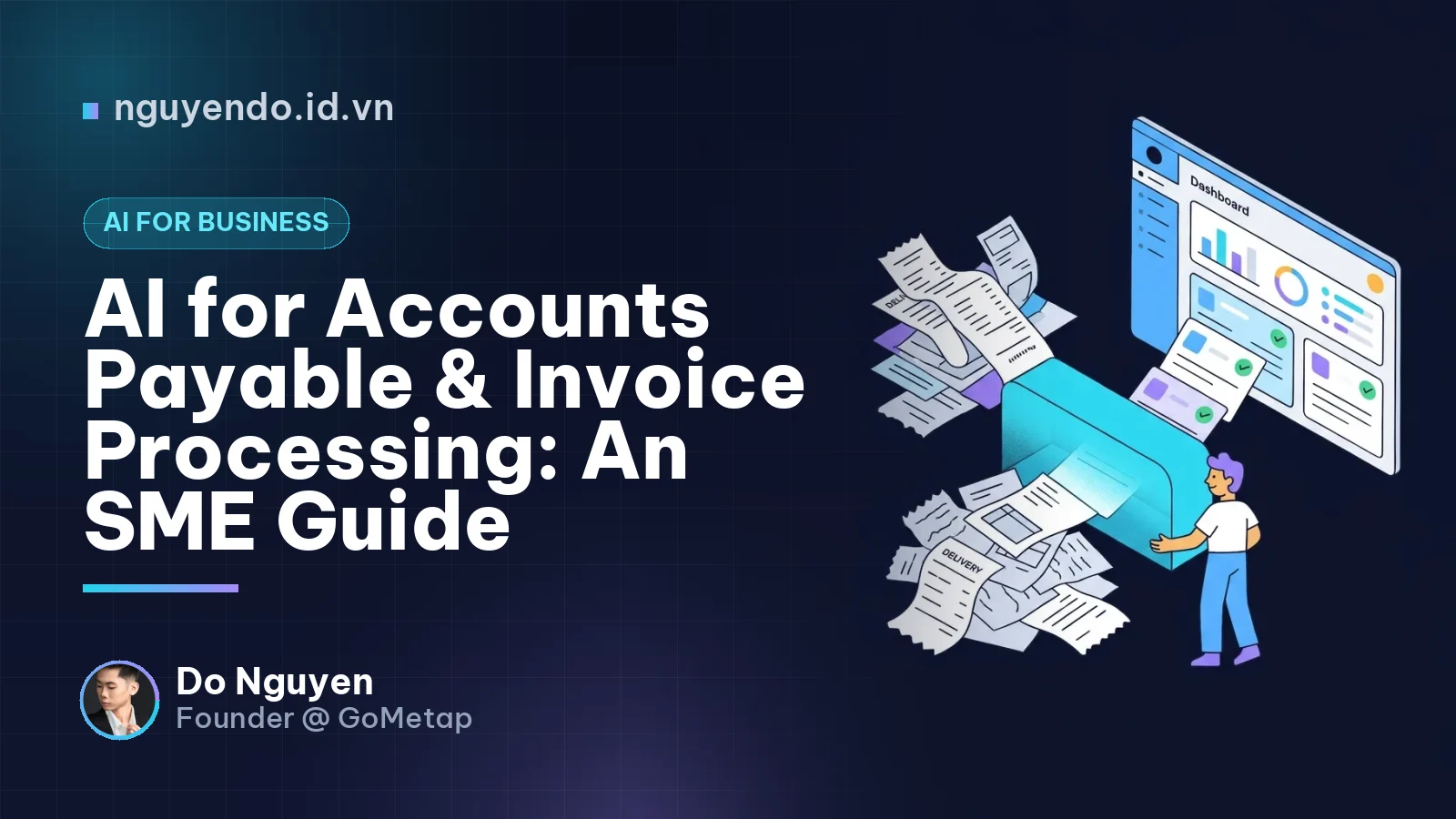
Table of contents
- Why Accounts Payable Is a Silent Bottleneck in Southeast Asian SMEs
- How Does AI Invoice Processing Differ from Traditional OCR?
- 4 High-ROI Use Cases for AI in SME Accounts Payable
- 1. Multi-Channel Invoice Capture and Data Extraction
- 2. Automated 3-Way Matching
- 3. Expense Categorization and General Ledger (GL) Coding
- 4. Duplicate Invoice and Fraud Detection
- A Step-by-Step Blueprint to Implement AI in Your AP Workflow
- Governance and Risk: Where You Must Keep a Human in the Loop
- Connecting the Back Office to the Front Office
AI for accounts payable (AP) automates how small and mid-sized businesses capture, verify, and record supplier invoices by extracting line-item data from PDFs, e-invoices, and paper photos, then matching them against purchase orders and delivery receipts. For Southeast Asian SMEs, this eliminates hours of manual data entry, prevents duplicate payments, and catches supplier pricing discrepancies before cash leaves the bank account. Instead of replacing your bookkeeper, AI acts as a high-speed data clerk that prepares clean, verified payment batches for a manager's final approval.
Why Accounts Payable Is a Silent Bottleneck in Southeast Asian SMEs
When I talk to retail, F&B, and service operators across Southeast Asia, most digital transformation conversations naturally start at the front of the house. Business owners want faster checkouts, seamless QR payments, and digital loyalty programs. At GoMetap, we spend a lot of time helping businesses automate that front-end revenue engine—linking POS systems to automated payments and customer membership passes in Apple Wallet and Google Wallet.
However, once front-of-house revenue is digitized, the operational bottleneck frequently shifts to the back office. While revenue flows in digitally, expenses often arrive in chaos.
In a typical Southeast Asian SME, supplier invoices arrive through a fragmented mix of channels:
- Formal government tax e-invoices (such as XML and PDF files).
- Crumpled paper delivery dockets handed to store staff by wholesale drivers.
- Photographs of handwritten receipts sent via Zalo, WhatsApp, or Line.
- Excel spreadsheets emailed by regional distributors.
Because these formats are completely unstandardized, finance teams or store managers spend hours every week typing line items into spreadsheets or accounting software. Worse, because manual cross-checking is tedious, many SMEs pay invoices based on trust rather than verification. If a supplier quietly raises the price of an ingredient by 8% or bills for 50 units when only 45 were delivered, a busy owner rarely catches it until margins have already eroded.
How Does AI Invoice Processing Differ from Traditional OCR?
To understand why AI is a practical leap forward for small business bookkeeping, it helps to distinguish between two generations of technology.
Traditional OCR (Optical Character Recognition) is a rule-based technology that converts images of text into machine-readable characters based on fixed spatial templates.
Intelligent Document Processing (IDP) combines OCR with Large Language Models (LLMs) and vision models to understand the context, structure, and meaning of a document regardless of its layout.
Traditional OCR failed SMEs because it required rigid templates. If Supplier A put the invoice total in the bottom right corner and Supplier B put it in the middle, traditional software broke. You had to manually map boxes for every single vendor—a setup process only large enterprises could afford.
Modern AI models read an invoice the way a human bookkeeper does. Even if a vendor sends a blurry smartphone photo of a crumpled receipt written in a mix of Vietnamese and English, a vision-capable AI model can identify who the vendor is, extract the date, separate the tax amount, and structure every line item into a clean table without needing a pre-configured template.
| Feature | Manual Entry | Traditional Template OCR | AI-Powered AP Automation |
|---|---|---|---|
| Setup Time | None | High (requires per-vendor templates) | Low (works out of the box) |
| Handles Handwritten Receipts | Yes (slowly) | No | Yes (with confidence scoring) |
| Line-Item Extraction | Prone to typos | Breaks if table layout shifts | High accuracy across layouts |
| 3-Way Matching | Manual cross-checking | Requires complex ERP rules | Automated semantic matching |
| Cost Profile | High labor hours | High upfront IT consulting | Low monthly SaaS or API cost |
4 High-ROI Use Cases for AI in SME Accounts Payable
You do not need an enterprise ERP system to modernize your accounts payable. For a lean company running between one and twenty locations, AI delivers immediate value across four specific workflows.
1. Multi-Channel Invoice Capture and Data Extraction
Instead of chasing store managers for paper receipts at the end of the month, you can set up a centralized intake channel—such as a dedicated email inbox or a messaging bot. When a store staff member receives a delivery, they snap a photo of the invoice and send it to the channel. The AI extracts the vendor name, invoice number, line items, quantities, unit prices, and tax details, converting unstructured images into structured rows in your accounting database.
2. Automated 3-Way Matching
Three-way matching is the accounting verification process of comparing the Purchase Order (what you ordered), the Goods Received Note (what was physically delivered to your store), and the Supplier Invoice (what you are being billed for) to ensure they align before releasing payment.
Historically, small businesses skipped 3-way matching because doing it by hand takes too much time. An AI workflow solves this. Even when naming conventions differ—for example, if your internal purchase order says "Arabica Beans 1kg" and the supplier's invoice says "1000g CF Arabica"—an LLM understands they are the same item. It compares the quantities and unit prices across all three documents and flags only the invoices where the numbers do not match.
3. Expense Categorization and General Ledger (GL) Coding
When a business buys supplies—say, printer paper, coffee filters, and a replacement blender—a human usually has to decide which accounting category (General Ledger code) each item belongs to: office supplies, cost of goods sold (COGS), or equipment maintenance. AI models trained on your historical chart of accounts can automatically assign the correct GL code to each line item based on the vendor and item description, keeping your profit-and-loss (P&L) statement accurate without manual sorting.
4. Duplicate Invoice and Fraud Detection
In fast-moving operations, it is surprisingly common to pay the same bill twice. A supplier might send a physical invoice with the delivery driver and email a digital PDF three days later. If two different people process those documents, the vendor gets paid twice. AI systems check incoming documents against historical data, flagging not only exact duplicate invoice numbers, but also suspicious patterns—such as two different invoice numbers from the same vendor on the same date for the exact same amount.
A Step-by-Step Blueprint to Implement AI in Your AP Workflow
If you want to adopt AI for invoice processing without disrupting your daily operations, avoid ripping out your current accounting software. Instead, layer AI into your existing process over four weeks.
- Centralize Your Intake Channel: Stop allowing invoices to sit in individual employees' messaging apps or desk drawers. Create one digital entry point—a single email address (e.g.,
invoices@yourcompany.com) or a dedicated group folder where all PDFs, XMLs, and receipt photos must be uploaded immediately upon delivery. - Standardize Receiving at the Store Level: AI cannot verify whether goods were actually delivered if your staff does not record what arrived. Require store staff to sign and date physical delivery slips, note any damaged or missing items directly on the paper, and photograph it immediately.
- Connect an AI Extraction Layer: For most SMEs, buying an off-the-shelf AP automation tool that integrates with your local accounting software is the fastest path. Alternatively, if your team is tech-savvy, you can build a lightweight workflow using automation platforms (like Make or n8n) connected to a vision-capable LLM API to parse incoming images into a structured Google Sheet or database.
- Manage by Exception: Configure the system so that invoices with a 100% match against the purchase order and historical pricing are marked "Ready for Payment." Invoices with price hikes, missing items, or low AI confidence scores are routed to an "Exception Queue" for a manager to investigate.
- Execute Batch Payments with Human Approval: Once a week, the finance manager or owner reviews the verified batch, approves the total, and exports a payment file (or generates dynamic QR payment codes) to settle the bills in one sitting.
Governance and Risk: Where You Must Keep a Human in the Loop
When dealing with company cash flow, blind automation is dangerous. As a founder, my rule for financial AI is simple: AI prepares the data; humans authorize the money.
Here are the specific risks you must govern when using AI in accounts payable:
- Numeric Hallucinations on Blurry Receipts: If a paper receipt is creased right across the total amount, a vision model might guess whether a smudged digit is a
3or an8. Always require the AI system to check its own math: the sum of extracted line items plus tax must equal the extracted invoice total. If the math does not balance to the exact cent or dong, the system must flag the document for human review. - Bank Account Substitution Fraud: One of the oldest B2B scams is an attacker sending a fake invoice (or a real invoice with an edited PDF) claiming the supplier has changed their bank account number. Never allow an AI agent to automatically update a vendor's master bank details or VietQR destination based solely on text extracted from an incoming invoice. Changes to supplier payment details must require out-of-band phone verification by a human manager.
- Data Privacy and Tax Compliance: Ensure that whatever AI tool you use retains the original source document (especially government tax e-invoice XML files) alongside the extracted data. During a tax audit, authorities care about the official source files, not just the AI-generated summary.
Connecting the Back Office to the Front Office
Digitizing accounts payable is not just about saving a few hours of bookkeeping; it is about giving leadership real-time visibility into unit economics.
When your front-of-house operations are digitized—capturing every sale, payment, and customer interaction through a unified POS and loyalty ecosystem like GoMetap—you have a clear picture of your daily revenue. By pairing that front-end clarity with AI-automated accounts payable in the back office, you close the loop. You no longer have to wait until the 15th of the next month for an accountant to tell you whether last month was profitable. You can see ingredient cost creep, supplier discrepancies, and true gross margins as they happen, allowing you to make faster, smarter pricing and operational decisions.
Comments
No comments yet. Be the first to share your thoughts!