
How to Use AI for SOPs and Staff Training in High-Turnover SMEs
High staff turnover drains SME margins. Learn how to use AI to draft SOPs, build interactive training assistants, and onboard front-line employees faster.
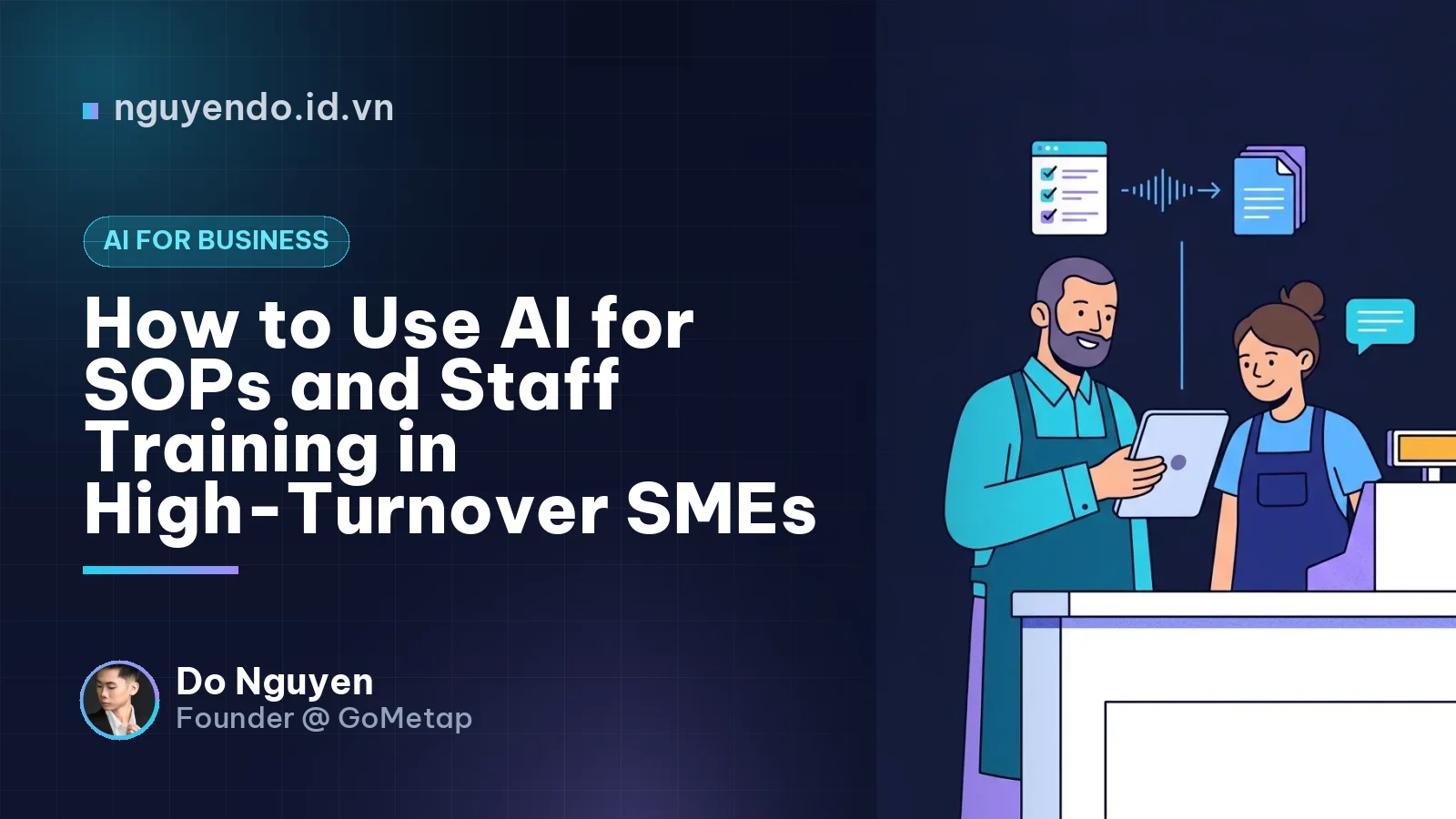
Table of contents
- Why Traditional SOPs Fail in Small Businesses
- Step 1: Use AI to Capture and Write SOPs in Minutes
- The "Voice-to-SOP" Workflow
- Step 2: Turn Static Documents into an Interactive Training Assistant
- How to Deploy an Internal Q&A Bot Pragmatically
- Step 3: Simulate Customer Scenarios Before Staff Hit the Floor
- Practical Role-Play Scenarios for SMEs
- Traditional Onboarding vs. AI-Assisted Onboarding
- Simplify the System Before You Write the SOP
- Risks and Governance: Keeping AI Training Accurate
- A 7-Day Action Plan for Business Owners
Using AI for Standard Operating Procedures (SOPs) and staff training allows small and mid-sized enterprises (SMEs) to convert voice notes, videos, and rough checklists into structured training manuals and interactive Q&A assistants in minutes. Instead of relying on static PDFs that front-line staff rarely read, business owners can deploy AI to standardize operations, cut onboarding time, and maintain consistent service quality despite high employee turnover.
In Southeast Asia, sectors like Food & Beverage (F&B), retail, and hospitality rely heavily on part-time, shift-based, and seasonal workers. When a key barista or cashier leaves, their unwritten operational knowledge walks out the door with them. For a founder or operations manager, the hidden cost of turnover is not just recruitment—it is the management bandwidth spent repeating the same training every month.
Here is a practical framework for using AI to build, maintain, and deliver SOPs and staff training without needing a dedicated HR or Learning & Development department.
Why Traditional SOPs Fail in Small Businesses
A Standard Operating Procedure (SOP) is a documented, step-by-step instruction set that guides employees on how to perform a routine business task consistently and safely.
Most SMEs fall into one of two traps with SOPs:
- Nothing is written down: Training is done via "shadowing," where a new hire watches a senior staff member for two days. Inevitably, bad habits are passed down alongside the good ones.
- The 50-page binder trap: The owner spends weeks writing a comprehensive manual that sits in a drawer or a forgotten Google Drive folder because nobody has time to read it during a busy shift.
Traditional SOPs fail because they are expensive to write, painful to update, and difficult to search in the middle of a customer rush. AI changes the unit economics of documentation by removing the blank-page problem and turning static text into an interactive coach.
Step 1: Use AI to Capture and Write SOPs in Minutes
Business owners often think they need to sit at a keyboard for hours to document their operations. With modern Large Language Models (LLMs) that handle audio and video, you can capture processes while walking the shop floor.
The "Voice-to-SOP" Workflow
Instead of typing, ask your best store manager to talk through a process while performing it.
- Record: Use a smartphone voice recorder (or video camera) while the manager explains a task out loud—for example, closing the register, cleaning the espresso machine, or handling a refund.
- Transcribe: Run the audio through an AI transcription tool (available natively in most modern AI workspaces or voice apps).
- Structure with an LLM: Feed the raw, messy transcript into an AI model with a structured prompt.
Copy-Paste Prompt for SOP Generation:
"You are an operations manager for a multi-branch retail/F&B business. Below is a raw voice transcript of how we perform [Task Name]. Turn this into a clear, scannable Standard Operating Procedure for front-line staff. Include: 1) Objective, 2) Tools/Materials Needed, 3) Step-by-Step Instructions (use active verbs, max 15 words per step), 4) Common Mistakes to Avoid, and 5) A 5-point Quality Checklist. Keep the tone direct and easy to read on a mobile screen."
In less than ten minutes, you have a formatted draft. The manager only needs to spend three minutes reviewing and correcting the output rather than an hour writing it from scratch.
Step 2: Turn Static Documents into an Interactive Training Assistant
Once you have 15 to 20 core SOPs written down, the next challenge is retrieval. When a new cashier is facing an impatient customer and forgets how to process a split payment or a loyalty tier upgrade, they will not flip through a PDF. They will interrupt the shift supervisor.
An AI Knowledge Assistant is a custom chatbot restricted to your company’s internal documents that answers employee questions instantly using only your approved SOPs.
How to Deploy an Internal Q&A Bot Pragmatically
You do not need custom software engineering to set this up. Small teams can use off-the-shelf workspace features (like ChatGPT Projects, Claude Projects, or Google NotebookLM) to create a shared knowledge base.
- Upload your clean SOPs: Group documents by role (e.g., Front of House, Kitchen, Shift Manager).
- Set strict system instructions: Instruct the AI to only answer using the provided documents and to explicitly state "Please ask your shift manager" if the answer is not in the manual. This prevents hallucinations on sensitive policies.
- Put it on a store tablet: Make the assistant accessible on the shared POS tablet or via the messaging app your staff already uses.
For example, a hypothetical boutique spa might upload its treatment protocols, pricing tiers, and hygiene checklists. When a new receptionist asks, "What do I do if a customer wants to transfer their prepaid package to a friend?", the AI instantly replies with the exact three-step policy and the required manager approval rule.
Step 3: Simulate Customer Scenarios Before Staff Hit the Floor
Reading a checklist does not prepare a 20-year-old part-time worker for an angry customer. Role-playing is one of the most effective training methods in hospitality and retail, but managers rarely have time to do it consistently.
You can use voice-enabled AI to run automated role-play simulations with new hires during their first shift.
Practical Role-Play Scenarios for SMEs
- Handling complaints: The AI acts as a customer who received the wrong delivery order and demands a refund.
- Upselling and cross-selling: The AI acts as an indecisive shopper, and the staff member must practice recommending a higher-margin bundle.
- Explaining loyalty programs: The staff member practices pitching the store's membership program in under 20 seconds.
How to run it: Give the new hire a prompt to paste into an AI voice mode: "Act as a busy customer at a coffee shop checkout. I am a new cashier. Order a latte, and see if I properly ask for your phone number and explain our digital loyalty card in Apple Wallet. After our 2-minute conversation, grade my performance based on clarity, politeness, and speed."
This gives the employee a safe, private environment to stumble through their pitch five times before they ever speak to a real paying customer.
Traditional Onboarding vs. AI-Assisted Onboarding
| Dimension | Traditional SME Onboarding | AI-Assisted SME Onboarding |
|---|---|---|
| SOP Creation | Written manually by the owner (rarely updated). | Captured via voice/video and formatted by AI in minutes. |
| Information Access | Printed binders or buried PDF files in chat groups. | Instant Q&A search via a tablet or mobile assistant. |
| Manager Time Required | High (constant shadowing and answering repeat questions). | Low (managers focus on coaching and final verification). |
| Practice & Testing | Live on actual customers (high risk of early mistakes). | Simulated role-play and AI-generated quizzes first. |
| Multilingual Support | Requires manual translation for diverse teams. | Instant translation for staff across different languages. |
Simplify the System Before You Write the SOP
As a founder building operational tools at GoMetap, one lesson stands out clearly: the best SOP is the one you do not have to write because the software handles the workflow automatically.
Before you use AI to write a 12-step manual explaining how staff should manually verify bank transfer screenshots, calculate loyalty points on a calculator, and type customer details into a spreadsheet, stop and fix the underlying process.
When your POS, payment reconciliation (such as dynamic QR codes that auto-confirm payment), and digital membership cards (in Apple Wallet or Google Wallet) are unified into a single automated flow, the SOP shrinks from twelve steps down to two. Use technology to eliminate human error at checkout first; then use AI to train staff on the things software cannot do—like hospitality, product preparation, and store presentation.
Risks and Governance: Keeping AI Training Accurate
Deploying AI for internal operations carries specific risks that SME owners must manage:
- Outdated underlying data: An AI assistant is only as good as the files you feed it. If you change your refund policy or menu pricing but forget to update the source document in the AI project, the bot will confidently teach new hires the wrong rules. Assign one person to audit the SOP folder on the first Monday of every month.
- Data privacy: Never upload documents containing raw customer Personal Identifiable Information (PII), supplier bank passwords, or confidential payroll figures into a shared staff AI assistant. Keep training repositories strictly limited to operational procedures.
- Over-reliance on the screen: AI should accelerate onboarding, not replace human leadership. A shift manager must still physically sign off on food safety, equipment handling, and cash management.
A 7-Day Action Plan for Business Owners
If you want to reduce training friction this month without buying complex enterprise software, follow this sequence:
- Days 1–2: List the top 10 questions new hires always ask during their first week, plus the top 5 most expensive mistakes staff make at the register or in the kitchen.
- Days 3–4: Have your best manager record 3-minute voice memos explaining the exact correct procedure for each of those 15 items.
- Day 5: Use an LLM to convert those transcripts into standardized, one-page SOPs with checklists.
- Day 6: Load those 15 approved documents into a shared AI workspace project on your store tablet.
- Day 7: Run your next new hire through the AI Q&A and a 10-minute AI role-play session, then measure how many fewer times they have to interrupt the shift supervisor during their first week.
Comments
No comments yet. Be the first to share your thoughts!