
Boba Shop Tech Checklist: 8 Must-Haves to Launch
What tech do you need to run a smooth boba shop from day one? Here is an 8-item checklist covering POS, payments, inventory, loyalty, and small-shop tips.
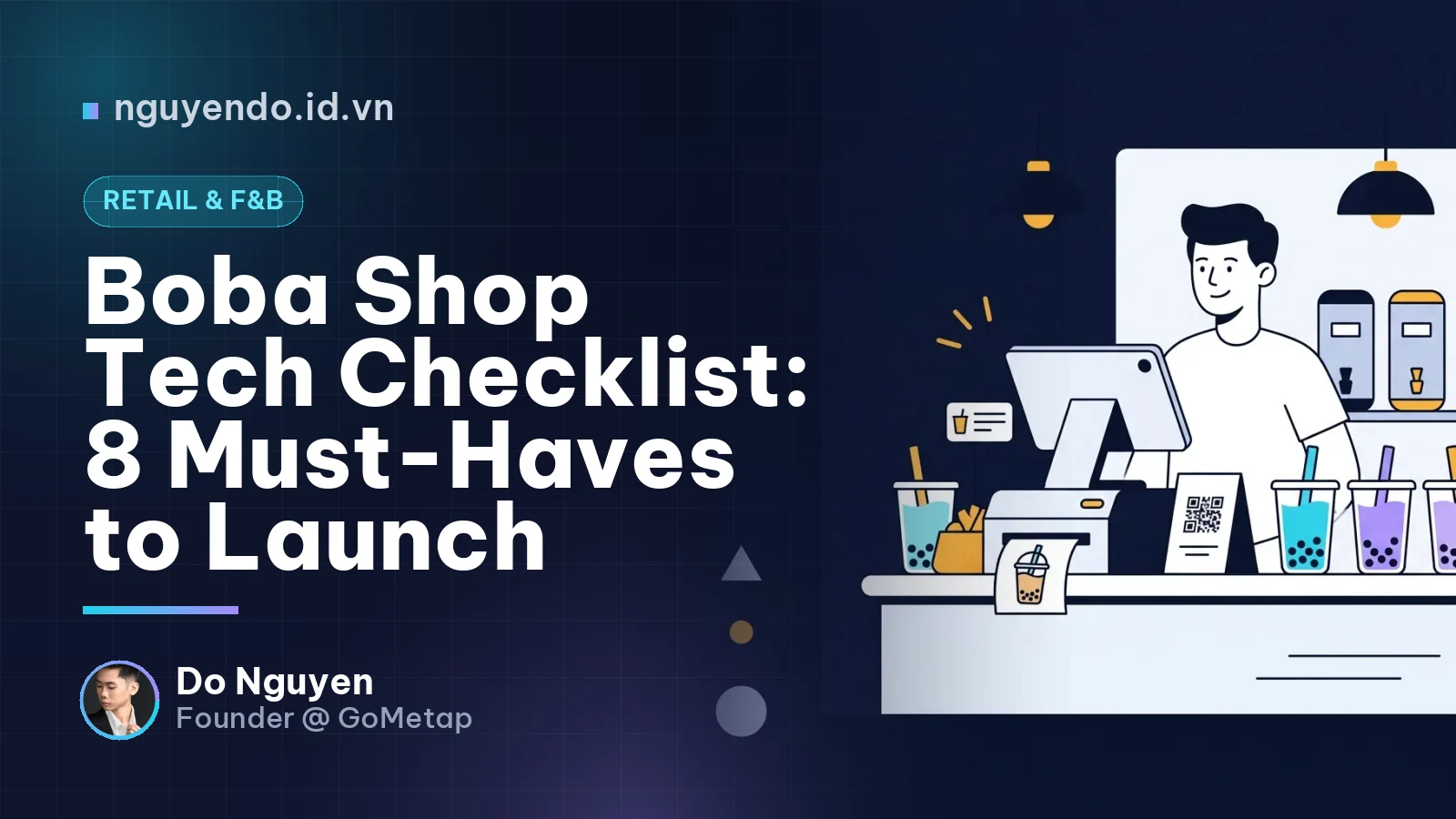
Table of contents
- What Does a Tech Stack for a Boba Shop Include?
- Step 1: Choose a POS Tailored for Bubble Tea
- Step 2: Set Up QR Payments and Reconciliation
- Step 3: Implement Recipe-Based Inventory Management
- Step 4: Integrate Delivery Channels and Online Ordering
- Step 5: Build a Customer Loyalty Program
- Step 6: Prepare Hardware and Network Infrastructure
- Step 7: Configure Reporting, Taxes, and Invoicing
- Step 8: Build Minimum Digital Presence for Discoverability
- What to Buy Day One vs. What to Defer
- Common Digitization Mistakes for Boba Shops
- Pre-Opening Action Checklist
To open a bubble tea shop, you need at least a POS system that handles toppings/sizes/sugar/ice, reconciled QR payments, recipe-based inventory management, and delivery channel integrations. Extras like loyalty cards, automated marketing, or advanced reporting can wait until operations stabilize. My rule of thumb: technology should speed up the bar and give the owner clearer data; otherwise, hold off on buying it.
What Does a Tech Stack for a Boba Shop Include?
A boba shop tech stack is a collection of tools that helps you take orders, collect payments, track ingredients, sell omnichannel, and retain customers without relying on handwritten notes.
Unlike coffee, bubble tea involves extensive customization for every cup: size, sugar level, ice level, toppings, and boba. Miswriting a single order leads to customer complaints and wasted ingredients. Therefore, the checklist below prioritizes reducing errors and speeding up drink preparation.
Step 1: Choose a POS Tailored for Bubble Tea
The POS is the central hub of your shop, so pick it first. A good boba POS needs to:
- Enable quick selection of sizes, sugar, ice, and toppings in just a few taps.
- Print cup labels (or display on a kitchen display system) with complete modifiers.
- Split bills by dine-in, takeout, and delivery.
- Work offline or under weak internet, auto-syncing when back online.
- Provide shift, item, and staff-level reporting.
Small shop example: A 15 m² shop with 1 cashier and 2 baristas only needs a counter tablet, a cup label printer, and a receipt printer or screen in the prep area. There is no need for complex hardware out of the gate.
If you need a more detailed comparison, check out my previous guide on choosing POS software for small shops.
Step 2: Set Up QR Payments and Reconciliation
QR payment allows customers to scan a code using banking apps or e-wallets to transfer funds directly to your shop's account.
The real challenge isn't just receiving money; it's matching transactions to orders. During rush hours, cashiers can easily miss or mix up a transfer. Prioritize solutions that offer:
- Dynamic QR codes per order or transfer memos tied to specific order IDs.
- Automated payment confirmation so cashiers don't have to check their phones.
- End-of-day bank statements and reconciliation reports that match POS revenue.
Separating your business account from personal accounts also keeps your cash flow clean and audit-ready.
Step 3: Implement Recipe-Based Inventory Management
Recipe yield (bill of materials) is the exact amount of tea, milk, syrup, and toppings consumed for each cup, broken down by size and formula.
For boba shops, raw materials are the largest ongoing expense after rent. Manual month-end stocktakes tell you that variance occurred, but not where. Integrating your POS with inventory means:
- Every drink sold automatically deducts ingredients based on recipe specs.
- You receive low-stock alerts for milk, boba, cups, or lids.
- Discrepancies between theoretical and actual stock pinpoint over-portioning, waste, or theft.
Small shop example: At the end of each day, count 5 key items: condensed milk, creamer powder, boba pearls, cups, and lids. If the variance against the system count persists over several days, it's time to audit portioning or shift handovers.
Step 4: Integrate Delivery Channels and Online Ordering
Boba concepts typically generate high takeout and delivery volumes. Be sure to prepare:
- Merchant accounts on major food delivery platforms in your area.
- Synchronized menus across apps to avoid selling out-of-stock items.
- Consolidated order management on a single screen instead of juggling multiple tablets.
This is where small shops lose the most time due to manual re-entry. Ask your POS vendor about multi-channel aggregation before signing a contract.
Step 5: Build a Customer Loyalty Program
Boba customers often purchase multiple times a week, making customer retention far more cost-effective than running paid ads for new traffic.
There are three implementation tiers:
| Tier | Approach | Best For |
|---|---|---|
| Basic | Paper punch cards | Brand-new launch, zero budget |
| Intermediate | Phone-number-based points | POS with built-in CRM capability |
| Advanced | Digital passes in Apple/Google Wallet | Frictionless mobile experience, easy re-engagement |
Paper cards get lost, while smartphone wallet passes are always with the customer. This is the exact approach GoMetap builds for Vietnamese SMEs. Regardless of your solution, start simple and upgrade only once your regular customer base grows.
Step 6: Prepare Hardware and Network Infrastructure
Even the best software fails if devices crash or disconnect. Your basic hardware checklist:
- Countertop tablet or POS terminal, paired with a backup power bank.
- Receipt printer and cup label printer (check paper/label sizes for POS compatibility).
- Stable Wi-Fi router; maintain a 4G backup SIM/dongle to keep selling during outages.
- Cash drawer if you frequently process cash transactions.
Stocking up on extra receipt paper and labels is a minor detail that saves you from running out during rush hour.
Step 7: Configure Reporting, Taxes, and Invoicing
Shop owners should review at least three reports daily: shift revenue, bestsellers, and cash vs. transfer variances. Regarding invoicing and taxes, regulations vary by business structure and timing. Consult with an accountant or local tax authority to select the right e-invoicing model, then confirm your POS supports the integration.
Step 8: Build Minimum Digital Presence for Discoverability
Before opening day, tackle these low-cost essentials:
- Claim your Google Maps profile with operating hours, menu photos, and phone number.
- Set up a fanpage or Zalo Official Account to announce promotions.
- Place QR codes on tables or cups linking to your menu, fanpage, or digital loyalty pass.
What to Buy Day One vs. What to Defer
| Item | Day One | After 1–3 Months |
|---|---|---|
| POS + label printer | Must-have | Menu optimization |
| Reconciled QR payments | Must-have | Cash flow reporting |
| Recipe-based inventory | Recommended | Automated alerts |
| Delivery channels | Recommended | Multi-channel order aggregation |
| Loyalty program | Optional | Deploy once regulars appear |
| Marketing automation | Not yet needed | Implement when customer data accumulates |
Common Digitization Mistakes for Boba Shops
- Buying fragmented software tools that generate siloed reports nobody can reconcile.
- Skipping recipe data entry, rendering inventory tracking useless.
- Choosing the cheapest option without stress-testing peak-hour ordering workflows.
- Failing to train staff, leading to workarounds or system neglect.
Pre-Opening Action Checklist
- Finalize menu, sizes, toppings, sugar/ice levels to configure in POS.
- Test-run POS for several days using simulated peak-hour orders.
- Install receipt/label printers and test-print all modifier combinations.
- Set up QR payments and test reconciliation with a live transaction.
- Input recipes for core items alongside initial inventory counts.
- Register and sync menus across third-party delivery channels.
- Prepare backup internet access and extra printing paper/labels.
- Consult an accountant on invoices and tax compliance for your business type.
- Create Google Maps listing, social pages (fanpage/Zalo), and menu QR codes.
- Run a staff training session: taking orders, payments, voids, shift closures.
- Schedule daily reviews of sales and inventory reports for month one.
Comments
No comments yet. Be the first to share your thoughts!