
How SMEs Can Prevent POS Loyalty & Promotion Fraud
Loyalty fraud drains revenue and corrupts CRM data. Discover how to eliminate it using Apple/Google Wallet passes and dynamic VietQR.
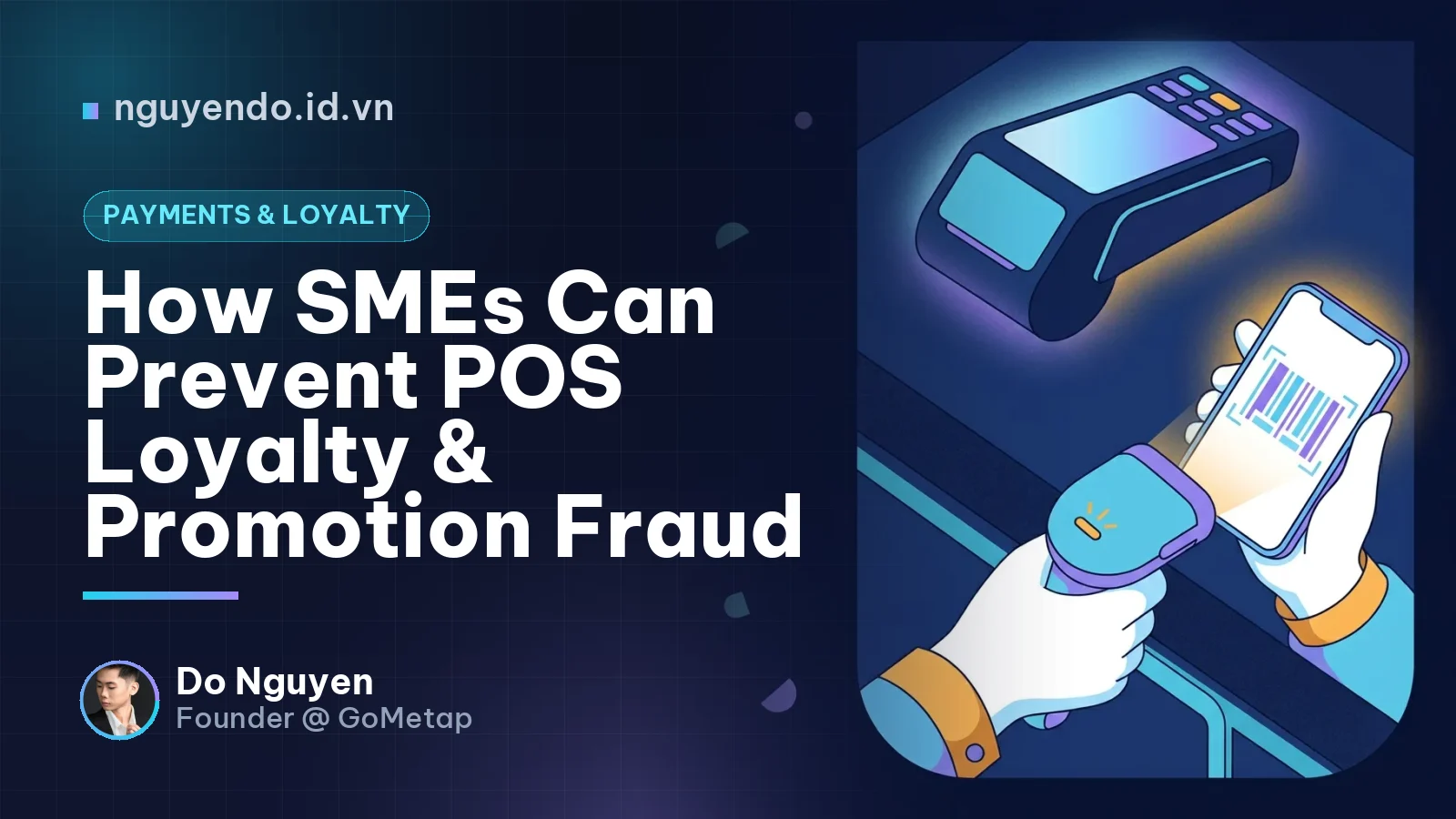
Table of contents
- What Is Loyalty Fraud?
- 3 Most Common In-Store Checkout Fraud Exploits
- 1. Cashiers pocketing walk-in customers' points
- 2. Siphoning cash through unauthorized point redemptions (Point Theft)
- 3. Customer account sharing
- The Consequences of Loyalty Fraud
- How to Stop Loyalty Fraud with Wallet Passes and VietQR
- Step 1: Replace phone number lookups with Apple/Google Wallet scans
- Step 2: Lock down cash flow with dynamic VietQR payments
- Step 3: Configure real-time push notifications for point activity
- Step 4: Set up anomaly detection alerts in your CRM
- Security Comparison: Phone Number Lookup vs. Wallet Passes
- Key Operational Takeaways
Loyalty fraud occurs when employees or customers exploit operational loopholes to illicitly claim reward points and discounts. Retailers can permanently eliminate this issue by replacing manual phone number lookups with Apple/Google Wallet pass scans, combined with dynamic VietQR payments to tightly lock down cash flow at the POS.
During my time consulting and rolling out digital transformation for small and medium-sized enterprises (SMEs) in Vietnam, I have noticed many business owners focus heavily on customer acquisition while neglecting front-desk asset protection. Loyalty programs are designed to retain customers, but without proper technological guardrails, they quickly turn into vectors for fraud.
What Is Loyalty Fraud?
Loyalty fraud is the manipulation of customer loyalty systems to illegally obtain reward points, discount vouchers, or membership perks. It is typically committed by internal staff or through customer abuse.
For SMEs, internal cashier fraud is the most common risk, causing immediate losses in both cash and data integrity.
3 Most Common In-Store Checkout Fraud Exploits
To fight fraud effectively, we must first understand how it happens. Here are the three most prevalent scenarios:
1. Cashiers pocketing walk-in customers' points
When a guest has no interest in earning points or is not a member, the cashier (or shift manager) discreetly inputs their own or an acquaintance's phone number into the POS system. Over time, the employee accumulates a massive balance of points across dozens of daily orders, quickly climbing to Diamond tier to claim top-tier perks.
2. Siphoning cash through unauthorized point redemptions (Point Theft)
This is a more dangerous scheme that drains hard cash directly from your register. For example: A customer makes a 100,000 VND purchase and pays in cash. They have accumulated points worth 20,000 VND but do not request to redeem them. Once the customer leaves, the cashier applies a 20,000 VND point redemption on the POS. The finalized receipt in the system drops to 80,000 VND. The cashier deposits 80,000 VND into the register and pockets the remaining 20,000 VND in cash.
3. Customer account sharing
Multiple customers often share a single phone number across friend groups or entire offices to pool points and hit VIP tiers faster. While this does not steal cash directly, it breaks the unit economics of your loyalty program, forcing your business to subsidize deep discounts for individuals who do not deliver proportional Customer Lifetime Value (CLV).
The Consequences of Loyalty Fraud
Damage from loyalty fraud extends far beyond losing a few dollars per receipt. The real damage impacts your data ecosystem:
- Direct revenue leaks: Reward points convert into cash pocketed by bad actors rather than reinvested into driving genuine retention.
- Corrupted CRM data: When employees log transactions under their own profiles, your CRM sees a synthetic "super-customer" with massive purchase frequency. This completely distorts RFM segmentation.
- Wasted marketing spend: Automated win-back campaigns and birthday gifts end up targeting fraudulent customer profiles instead of actual buyers.
How to Stop Loyalty Fraud with Wallet Passes and VietQR
The traditional practice of asking customers to "read out a phone number" is the single biggest vulnerability in the workflow. Anyone can recite a 10-digit number. Solving this requires digitizing the process and creating physical verification through technology.
Step 1: Replace phone number lookups with Apple/Google Wallet scans
Instead of asking for a phone number, require customers to present their digital membership pass stored in their Apple Wallet or Google Wallet app.
- High identity assurance: The pass lives on the customer's personal device. Cashiers scan it using a barcode/QR code scanner, verifying that the member is physically present at the counter.
- An "app-less" experience: Customers do not need to download a separate mobile app, nor do they have to broadcast their personal phone numbers aloud in a crowded store, safeguarding customer privacy.
Step 2: Lock down cash flow with dynamic VietQR payments
Cash-back point theft only works when customers pay with physical cash and cashiers have the ability to modify the order after the customer walks away. When implementing dynamic VietQR directly on the POS:
- The POS generates a dynamic VietQR code carrying the exact payable amount (after deducting valid points/discounts).
- The customer scans to pay, and funds settle directly into the business's bank account.
- Automated reconciliation marks the invoice as paid and closes it immediately. Cashiers handle no cash and have zero opportunity to alter the ticket afterward.
Step 3: Configure real-time push notifications for point activity
Point transparency empowers customers to protect their own balances.
- With Apple/Google Wallet passes, whenever points are credited or debited, the customer receives an instant push notification directly on their lock screen in real time.
- If a cashier attempts an unauthorized redemption, the customer gets notified immediately and can flag the incident on the spot.
Step 4: Set up anomaly detection alerts in your CRM
Even with a secure operational flow, you should still configure automated alerts inside your management software. For example:
- Alert whenever an account exceeds 3 transactions within a single day.
- Alert whenever a pass is scanned across two distant branches within a short window.
Security Comparison: Phone Number Lookup vs. Wallet Passes
| Metric | Phone Number Lookup | Apple/Google Wallet Scan |
|---|---|---|
| Customer verification | Very low (Anyone can recite someone else's number) | Very high (Pass resides on the owner's personal device) |
| Checkout speed | Slow (Prone to mishearing and typos) | Fast (Takes just 1 second to scan a barcode) |
| Point balance security | Vulnerable to unauthorized point deductions | Secure (Requires active pass interaction + Push Notifications) |
| Maintenance costs | Low (Requires only a basic POS) | Affordable (SMEs can use SaaS solutions without building custom apps) |
Key Operational Takeaways
From an operational standpoint, technology cannot completely replace honesty, but it builds a narrow guardrail that makes fraud difficult to pull off and trivial to detect.
At GoMetap, when helping retail and F&B brands restructure their O2O systems, we always advise founders to follow this formula: Identity via Wallet passes + Payments via dynamic VietQR = A cashless, fraud-proof environment. You accelerate counter throughput during peak hours while ensuring 100% of your incoming customer data is clean and ready for automated marketing workflows.
Do not allow your loyalty program—your most powerful retention engine—to become an open backdoor bleeding your margins. Audit your checkout workflows today.
Comments
No comments yet. Be the first to share your thoughts!