
How to Choose POS Software for a Small Coffee Shop: 6 Practical Steps
A 6-step guide to choosing POS software for a small coffee shop: define your workflow, must-have features, true costs, QR payments, and real-world trials.
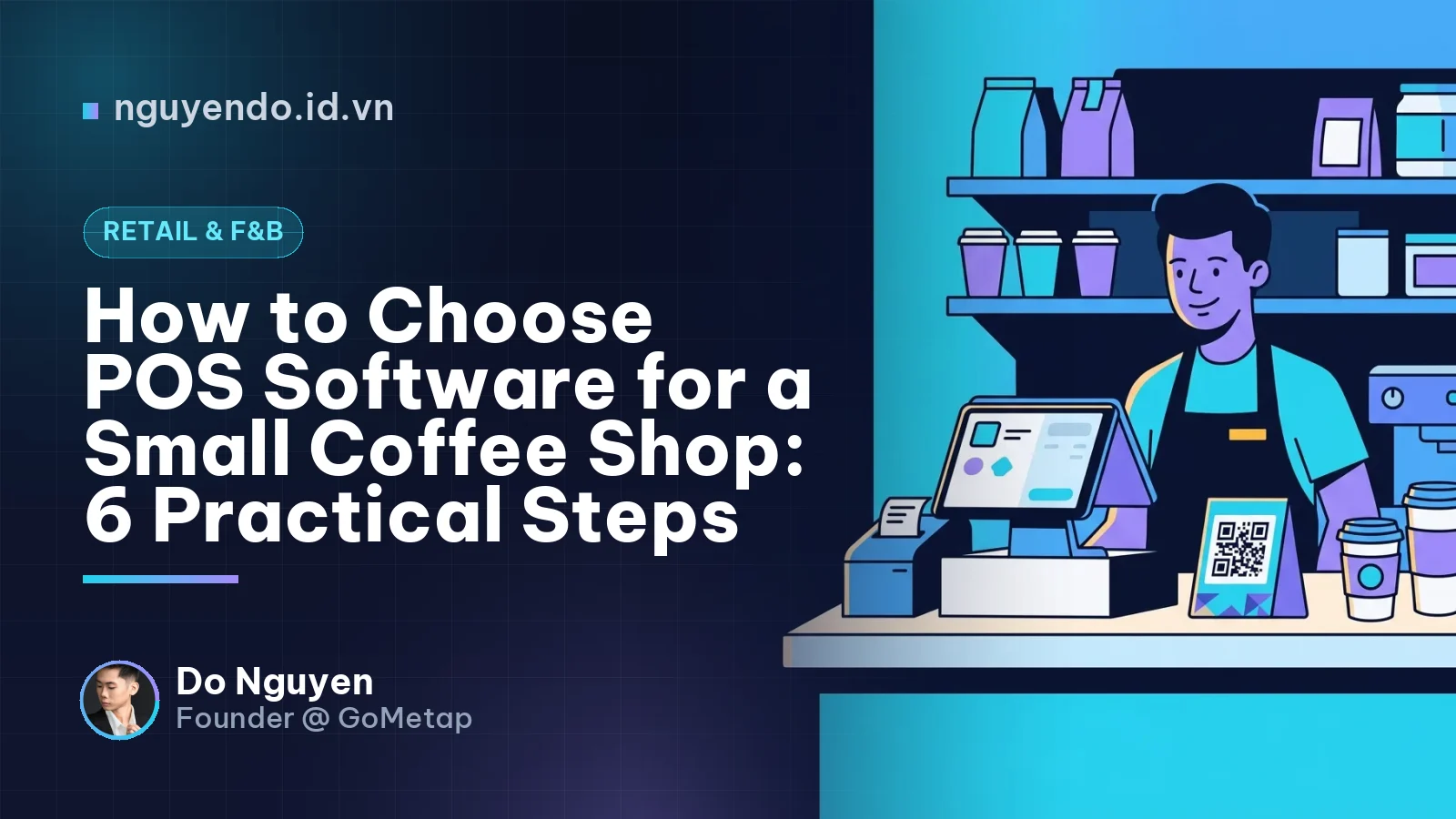
Table of contents
- What Is a Coffee Shop POS and How Does It Differ From a Standard Cash Register?
- Step 1: Map Out Your Daily Sales Workflow
- Step 2: Categorize Features into "Must-Have", "Nice-to-Have", and "Not Yet Needed"
- Step 3: Calculate the True Cost of Ownership, Not Just the Monthly Subscription
- Step 4: Audit Payment Processing and Reconciliation
- Step 5: Conduct a Realistic Free Trial
- Step 6: Evaluate Customer Support and Scalability
- Red Flags to Watch Out For
- Action Checklist for Small Cafe Owners
To choose the right POS software for a small coffee shop, start with how your shop sells every day, not a generic feature checklist. An effective POS for a small cafe needs fast ordering, an interface that new staff can learn in a single shift, clear sales and best-seller reports, reconcilable QR payments, and reliable offline capability when the network drops. Finally, test it thoroughly during actual peak hours before committing to a long-term plan.
What Is a Coffee Shop POS and How Does It Differ From a Standard Cash Register?
POS (Point of Sale) software is a system that records orders, calculates totals, processes payments, and stores store sales data. For a coffee shop, a POS typically runs on a tablet, smartphone, or desktop computer, paired with a receipt printer and optional cup sticker printer.
Unlike an electronic cash register that only totals numbers, a POS tells you how many cups were sold today, which items are trending, your peak hours, and how much revenue each shift generated. This is actionable data to make informed business decisions, not just tally receipts.
Step 1: Map Out Your Daily Sales Workflow
Before looking at any software, answer these quick questions:
- Are your customers mostly takeaway, dine-in, or both?
- Do you sell via third-party delivery apps?
- How many concurrent orders do you handle during rush hours, and how many baristas work the counter?
- Do you take orders at the table, or do customers order at the counter and take a buzzer or number?
- Do you plan to open a second location within the next 12 months?
Example: A 15 m² takeaway coffee kiosk with two staff members experiences morning rushes. This setup requires lightning-fast order entry, cup sticker printing, and streamlined QR payments. Table management is virtually irrelevant. Conversely, a 30-seat sit-down cafe requires table mapping, bill splitting, and table transfers.
Step 2: Categorize Features into "Must-Have", "Nice-to-Have", and "Not Yet Needed"
A common mistake is buying the most feature-packed tier and only using 20% of it. Classify your requirements as shown below:
| Priority | Feature | Notes for Small Cafes |
|---|---|---|
| Must-Have | Fast ordering, item modifiers (size, sugar, ice, toppings) | Dictates service speed during rushes |
| Must-Have | Receipt and cup sticker printing | Minimizes order mix-ups |
| Must-Have | Cash, QR, and bank transfer payments | Automated reconciliation, minimal manual entry |
| Must-Have | Sales reports by day, shift, and item | Accessible directly from a smartphone |
| Nice-to-Have | Basic ingredient inventory (coffee beans, milk, cups) | Helps control waste and leakage |
| Nice-to-Have | Role-based staff permissions, shift closing | Prevents cash discrepancies at shift end |
| Nice-to-Have | Offline mode or automatic syncing when reconnected | Weak internet will not halt sales |
| Not Yet Needed | Complex multi-branch logic, advanced BI analytics | Only necessary when you actually scale |
It is also wise to check for e-invoicing compliance. Electronic invoice regulations for businesses evolve over time, so consult your accountant or local tax authority, then confirm the software supports these requirements.
Step 3: Calculate the True Cost of Ownership, Not Just the Monthly Subscription
Total Cost of Ownership (TCO) is the complete amount you spend to operate software over time, including hidden fees not visible on the pricing table. Account for all of the following:
- Software subscription fees (monthly/annual, billed per store or per device).
- Hardware expenses: tablets, receipt printers, label printers, cash drawers.
- Transaction processing fees for QR or card payments (if applicable).
- Setup, menu entry, and staff onboarding fees.
- Customer support or upgrade fees when adding branches or devices.
Ask explicitly: can we repurpose our existing hardware? Does the software require proprietary printers? These two questions alone can prevent unexpected overhead.
Step 4: Audit Payment Processing and Reconciliation
For a small shop, payments are the most vulnerable point for lost time and revenue leaks. If staff must check the owner's phone to verify every bank transfer, end-of-day reconciliation becomes a headache.
Verify that:
- Does the dynamic QR code embed the exact order amount?
- Once paid, does the POS automatically update the status to "Paid"?
- Does the end-of-shift report clearly separate cash, QR, and e-wallets?
Platforms like GoMetap focus on unifying sales, automated payments, and customer retention within a single ecosystem. Whichever solution you choose, the core principle stays the same: payments and reporting should be seamless, eliminating manual cross-checking.
Step 5: Conduct a Realistic Free Trial
A canned office demo proves very little. Test the software under real operating conditions:
- Enter your 15–20 most popular menu items, complete with all modifier options.
- Have a new employee ring up orders without prior instruction. If they figure it out within a few tries, the interface is intuitive enough.
- Run it in parallel with your current workflow for a few days, especially during morning rushes.
- Test edge cases: order changes, item cancellations, bill splitting, refunds, and sudden internet drops.
- Try exporting sales and customer data to spreadsheet files to verify you are not locked in.
Example: A 2-person coffee stall serves several dozen cups every morning. The owner has a new hire ring up 10 consecutive orders with customized sugar and ice levels, plus 2 cancellations. If the workflow is sluggish or error-prone, drop the software immediately—regardless of how cheap it is.
Step 6: Evaluate Customer Support and Scalability
A POS is mission-critical daily software. When it glitches during a morning rush, you need immediate help. Ask:
- What support channels are available, and during what hours (does it cover early mornings)?
- Do they provide menu setup assistance and initial training?
- When opening a second location, can menu, staff, and reporting data be consolidated?
- Does it include loyalty, points, or digital membership cards to retain regulars?
A small cafe does not need to deploy every feature immediately, but choose a platform you will not outgrow and have to replace down the road.
Red Flags to Watch Out For
- Suspiciously low prices combined with hidden hardware or transaction fees.
- Cluttered multi-step interfaces requiring too many taps just to sell one drink.
- Inability to export your sales and customer data.
- No self-serve trial account, offering only sales rep-led demos.
- Demanding long-term lock-in contracts before you have tested the product in real conditions.
Action Checklist for Small Cafe Owners
- Define your operational model: takeaway vs. dine-in, staff count, peak hours.
- Classify features into "must-have", "nice-to-have", and "not yet needed".
- Shortlist 2–3 POS solutions to compare—no more.
- Calculate your 12-month TCO, including hardware and payment fees.
- Clarify e-invoicing requirements with your accountant.
- Load your actual menu and let a new staff member test the order flow.
- Test QR payments, voids, split bills, and offline operation.
- Verify shift reports, item breakdowns, and data export capabilities.
- Clarify support channels and operating hours.
- Sign a long-term plan only after surviving real peak hours during the trial.
Comments
No comments yet. Be the first to share your thoughts!