
How to Separate Food Delivery and In-Store Orders Without POS Discrepancies
A step-by-step guide to setting up menus, reconciling, and recording GrabFood and ShopeeFood orders separately from counter sales to avoid end-of-day cash discrepancies.
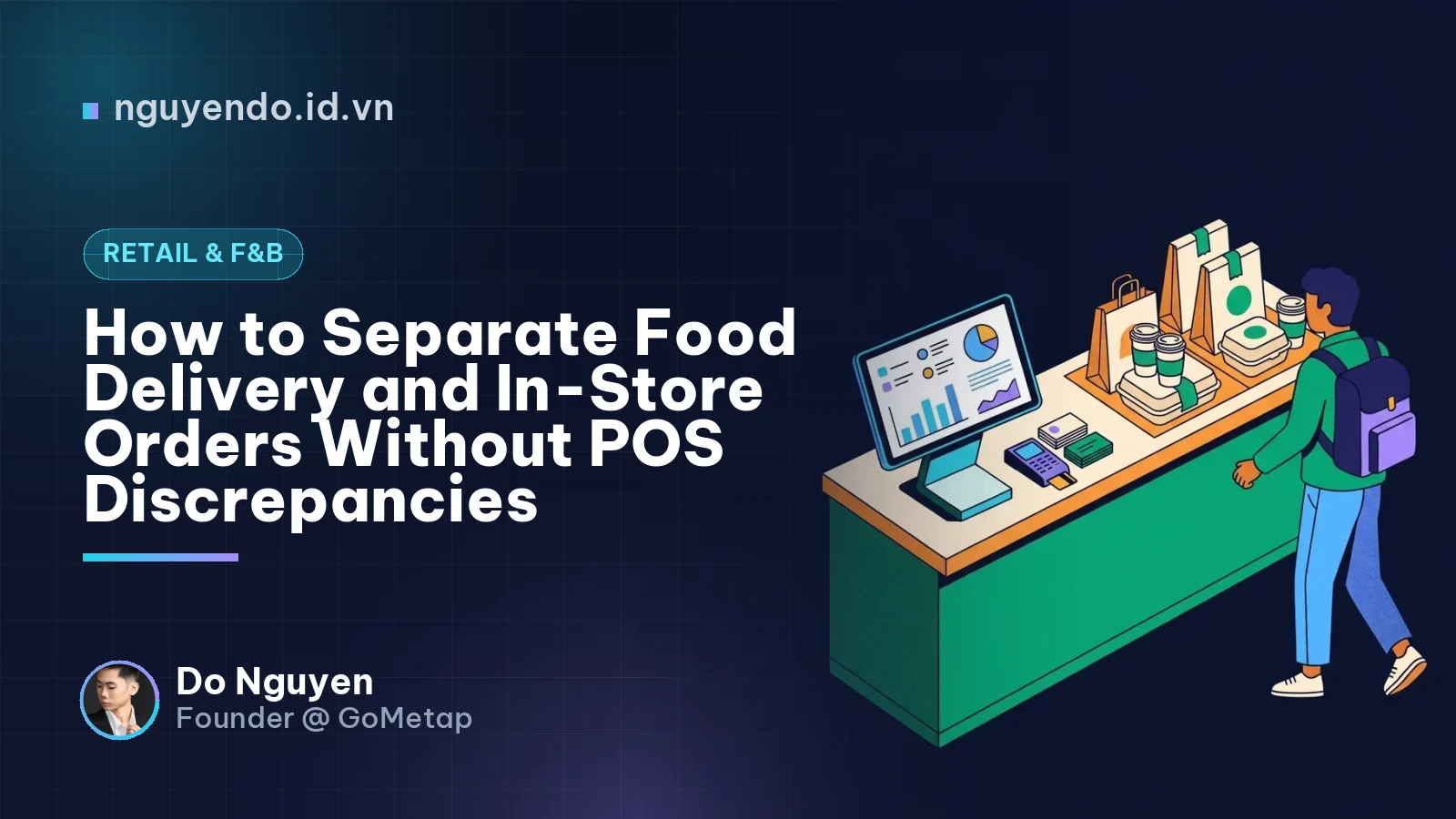
Table of contents
- Why Does Grouping App and In-Store Orders Cause Discrepancies?
- Step 1: Configure Channel-Specific Price Books and Menus on Your POS
- Step 2: Separate Payment Methods on the POS
- Step 3: Streamline In-Store Receiving and Driver Handover
- Step 4: Two-Layer Reconciliation at Shift Close and Weekly
- Layer 1: Shift-end order count reconciliation (Cashier)
- Layer 2: Net payout cash flow reconciliation (Store Owner, 1–2 times/week)
- The Hidden Benefit: Converting Delivery Customers into In-Store Regulars
- Action Checklist for Store Owners to Implement Today
To cleanly separate food delivery app orders (GrabFood, ShopeeFood, BeFood) from in-store sales without end-of-day discrepancies, shop owners must configure distinct Order Sources, channel-specific price books, and deferred payment methods on their POS software. Instead of logging delivery app orders as standard cash or bank transfers, routing them into a "Partner Receivables" account prevents cashiers from facing register overages or shortages during shift handover, while enabling owners to track actual net profits after platform deductions.
Many coffee and milk tea shop owners expanding onto food delivery platforms encounter a familiar scenario: the store is packed, delivery tickets print nonstop, yet month-end books show virtually no profit, and cashiers consistently report register discrepancies every evening. The root cause lies in mixing two completely different operational workflows and cash flows into a single bucket.
Below is a step-by-step guide to standardizing this process directly within your store's POS system.
Why Does Grouping App and In-Store Orders Cause Discrepancies?
Multi-channel Reconciliation is the process of cross-checking and matching sales reports from your in-store POS with settlement statements from delivery platforms and the net funds actually deposited into your bank account.
Without a standardized process, small shops typically fall into three common traps that distort financial statements:
- End-of-shift register imbalances: A cashier enters a GrabFood order into the POS but mistakenly selects "Cash" or "Bank Transfer" as the payment method. At closing, the POS indicates the cashier should have 5,000,000 VND in cash, but the drawer only contains 3,500,000 VND because the remaining 1,500,000 VND is held in the delivery platform's wallet.
- The revenue illusion (Gross vs. Net): A cup of milk tea listed on an app for 40,000 VND nets the store only 25,000 VND after deducting a 25% platform commission and a 5,000 VND merchant-funded discount voucher. If the POS records 40,000 VND without isolating the sales channel, your gross profit calculations will be grossly inflated.
- Losing track of cancelled and voided orders: A driver cancels an order or a customer no-shows after the drink is already prepared. If the cashier fails to sync the order status between the merchant app and the POS, inventory is depleted while revenue never arrives.
| Comparison Criteria | In-Store Orders (Dine-in / Take-away) | Delivery App Orders (GrabFood, ShopeeFood...) |
|---|---|---|
| Cash Flow | Immediate collection (Cash, Dynamic QR, Card) | Deferred receivable (Reconciled and disbursed in 1–3 days) |
| Listed Price | Standard base price | Usually 15%–25% higher to offset commissions |
| Per-Order Costs | Minimal payment fee (or 0 VND) | Platform commission (20%–30%) + Co-funded promos + Ad spend |
| Order Workflow | Order -> Payment -> Preparation -> Customer handover | Order received -> Preparation -> Driver handover -> Platform reconciliation |
Step 1: Configure Channel-Specific Price Books and Menus on Your POS
Platform Commission is the percentage of revenue per successful order that a merchant pays to a food delivery platform in exchange for customer exposure and logistics services.
You cannot simply mirror your in-store menu pricing onto delivery apps if your beverage gross margin is below 65%. At the same time, cashiers cannot be expected to manually compute price markups every time an app order arrives.
Standard setup on POS software:
- Set up Channel Pricing: Most modern POS platforms support multiple price books for the same product catalog. Create dedicated price lists such as
In_Store_Price,GrabFood_Price, andShopeeFood_Price. - Maintain unified inventory tracking (BOM mapping): Whether a Peach Orange Lemongrass Tea sells for 35,000 VND in-store or 45,000 VND on an app, both items must map to the exact same recipe (Bill of Materials - BOM). Regardless of the sales channel, inventory deducts the precise volume of tea base and peach slices.
- Attach packaging cost SKUs: Delivery orders inevitably require dome lids, sealing film, carrier bags, plastic straws, spoons, or separate ice bags. Assign these takeaway packaging costs directly to app-channel items to accurately reflect your Cost of Goods Sold (COGS).
Real-world example: A bubble tea shop has a COGS of 12,000 VND for a pearl milk tea (including cup and bag). Sold in-store at 30,000 VND, the gross profit is 18,000 VND. If listed on an app with a 25% commission at the same 30,000 VND price point, the platform takes 7,500 VND, leaving the shop with only 22,500 VND (gross profit plummets to 10,500 VND). To counter this, the owner sets the app-channel price to 38,000 VND on the POS. After the 25% commission (9,500 VND), the net revenue is 28,500 VND, preserving a gross margin nearly identical to in-store sales.
Step 2: Separate Payment Methods on the POS
This is the most critical step to ensure cashiers never face drawer discrepancies during shift handovers.
Partner Receivable Orders are transactions where products have been fulfilled at the store, but payment is held by a third party (the super-app) and remitted to the owner's bank account on a recurring payout cycle.
Action items:
- In your POS payment settings, disable the "Cash" option for orders originating from delivery apps (unless you operate in-house delivery with cash on delivery).
- Create dedicated receivable payment methods:
GrabFood Wallet,ShopeeFood Wallet, andBeFood Wallet. - When an order rings on a merchant tablet without direct POS API integration, the cashier selects the Order Source as
GrabFood-> the system automatically applies the GrabFood price book -> the cashier tenders the order toGrabFood Wallet. - Attach the printed receipt to the cup and hand it to the driver. The physical cash drawer remains completely untouched.
With O2O platforms like GoMetap, separating in-store payment flows (via auto-confirmed dynamic QR codes) from partner delivery channels ensures daily reports clearly indicate: how much cash is in the register, how much has hit the store's bank account, and how much is pending settlement from delivery platforms.
Step 3: Streamline In-Store Receiving and Driver Handover
A substantial portion of operational leakage stems from chaos during peak hours: drivers grabbing the wrong orders, cancelled orders after preparation, or missing items that lead to customer refunds charged back to the store.
Implement this 4-step bar workflow to eliminate confusion:
- Print shortened order codes on POS receipts: Every app order carries a concise identifier (e.g.,
GF-142or the last 4 digits of the order ID). When logging the order into the POS, the cashier must record this identifier in the "Notes" or "Reference Code" field. - Designate a dedicated Driver Pick-up Area: Keep delivery drivers separate from walk-in customers waiting to order. Set up a dedicated counter tray with clear signage: "Delivery App Pick-up Area".
- Enforce the "Verify - Hand Over - Complete" rule: When the driver arrives, staff verify that the
GF-142code on the driver's phone matches the label on the cup before handing over the bag, asking the driver to swipe "Order Collected" right at the counter. - Handle cancellations immediately: If an order is cancelled on the app before preparation, the cashier must instantly void the corresponding ticket on the POS (selecting the reason: Customer/App Cancelled) to prevent inventory and revenue discrepancies.
Step 4: Two-Layer Reconciliation at Shift Close and Weekly
Do not wait until the end of the month to review your merchant portal. By then, locating the root cause of missing funds from weeks earlier is nearly impossible.
Layer 1: Shift-end order count reconciliation (Cashier)
Before closing out the register, the cashier takes 3 minutes to perform the following check alongside counting physical cash:
- Open each merchant app (GrabMerchant, ShopeeFood Partner) and navigate to Today's Order History.
- Compare the Total Completed Orders and Gross Sales (before commission) on the merchant app with the corresponding channel report on the POS.
- Example: The GrabMerchant app shows 22 completed orders totaling 1,250,000 VND for the morning shift. The POS GrabFood channel report must show exactly 22 orders and 1,250,000 VND. If the POS shows only 20 orders (2 missed entries), the cashier must record them immediately to balance raw material inventory.
Layer 2: Net payout cash flow reconciliation (Store Owner, 1–2 times/week)
Food delivery platforms remit payouts to your bank account daily (T+1) or every few days, accompanied by an itemized Settlement Report sent via email.
Formula for quick Net Payout verification:
Net Bank Deposit = Gross Sales - Platform Commissions - Merchant-Funded Promos - Advertising Fees (if any)
The owner cross-references the "Net Payout" figure on the settlement statement against bank balance notifications, then logs total "Platform Commissions + Promotions" as a Selling Expense (App Channel Commission Expense) in the management accounting software. This guarantees that your monthly Profit & Loss (P&L) statement reflects real take-home cash.
The Hidden Benefit: Converting Delivery Customers into In-Store Regulars
Food delivery platforms excel at Customer Acquisition, but relying on them permanently means surrendering 20%–30% of top-line revenue on every transaction.
Once delivery workflows at the bar are standardized, you can deploy a straightforward yet highly effective O2O (Online-to-Offline) tactic: Include a digital loyalty card in every delivery bag.
Example: Insert a small card with a QR code into every GrabFood delivery bag: "Thank you for ordering! Scan this code to save our Membership Card to your Apple Wallet / Google Wallet — Enjoy a free Cheese Foam topping on your next visit or when ordering directly through our web store."
This is how forward-thinking F&B brands leverage GoMetap's app-free digital wallet membership cards to convert third-party platform traffic into proprietary First-party Data, driving customer retention without recurring platform commissions.
Action Checklist for Store Owners to Implement Today
You do not need to overhaul your entire operation overnight. Follow this practical checklist step by step:
- Audit delivery app pricing: Calculate net cash margins per item after platform commissions and discount vouchers. Adjust prices or create Combos to protect gross margins.
- Reconfigure POS settings: Create distinct Order Sources (
GrabFood,ShopeeFood,BeFood) and corresponding deferred payment methods. Prohibit cashiers from ringing app orders as Cash. - Sync inventory recipes (BOM): Verify that delivery menu items on the POS are accurately mapped to ingredient recipes and takeaway packaging.
- Enforce 4-digit order code logging: Require cashiers to input the last 4 digits of the app order ID on the POS receipt for bar staff and driver verification.
- Add a line to shift handover sheets: Mandate that cashiers cross-check and record matching figures for "Merchant App Order Count" and "POS App Channel Order Count" before signing off.
- Reconcile platform fees weekly: Dedicate 15 minutes every Monday morning to reconcile bank payouts against app settlement statements and log platform commission expenses.
Comments
No comments yet. Be the first to share your thoughts!