
AI Policies for Small Teams: A One-Page Starter Template
A small team does not need a 30-page governance manual. Here is a one-page AI policy covering approved tools, data rules, human review and AI agents, with a rollout plan you can finish this week.
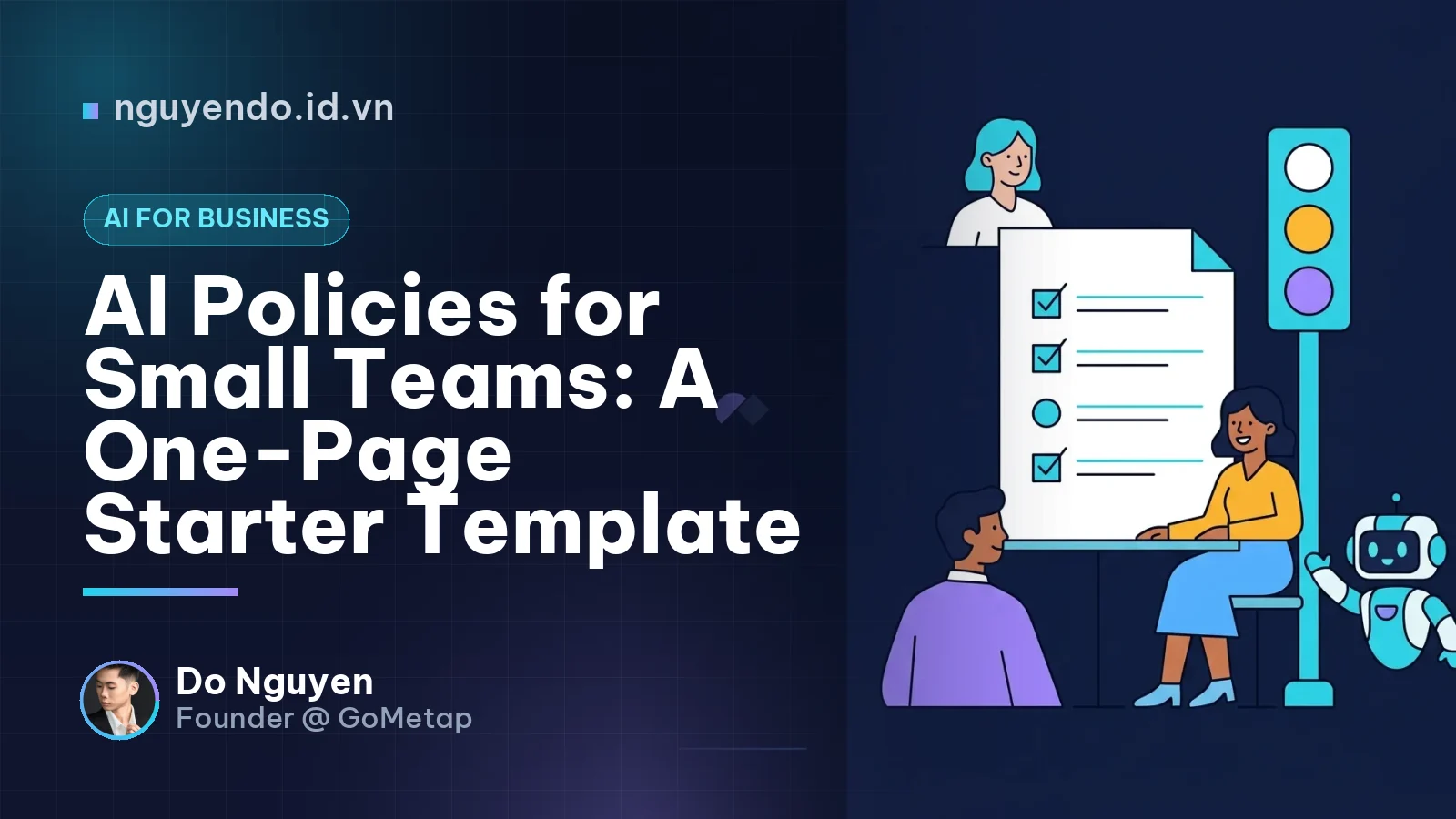
Table of contents
- What is an AI policy for a small team?
- Why does a small company need an AI policy at all?
- What should a one-page AI policy include?
- How do I decide which data can go into AI tools?
- Who should review AI output before it goes out?
- What rules should apply to AI agents?
- Copy-and-adapt one-page template
- How do I roll this out in five steps?
- What mistakes do small teams make with AI policies?
- How does this connect to the rest of your operations?
- The bottom line
A small team's AI policy is a short, written set of rules that says which AI tools staff may use, what data they may put into them, who reviews the output, and what to do when something goes wrong. For companies under 50 people, one page is enough. The goal is not to slow people down; it is to make safe use the default so you can adopt AI faster with less risk.
What is an AI policy for a small team?
An AI policy is a written agreement inside a company about how AI tools may be used, with which data, under whose responsibility. It is not a legal treatise and it is not a ban list.
For a large enterprise, AI governance means committees, risk registers and audits. For a ten-person business, it means answering five practical questions:
- Which tools are we allowed to use?
- What information must never leave the company?
- Who checks the output before it matters?
- What may an automated agent do on its own?
- Who do we tell when something goes wrong?
If your policy answers those five questions clearly, it is already better than most.
Why does a small company need an AI policy at all?
Because your team is almost certainly already using AI, whether you wrote rules or not. The risk is not the technology itself; it is inconsistent, invisible use.
The common failure modes in small companies are:
- Shadow AI: staff paste customer lists, contracts or financial reports into personal chatbot accounts because it is faster.
- Unchecked output: a drafted price quote, refund message or product claim goes out with a confident but wrong detail.
- No accountability: when an AI-written message causes a problem, nobody owns it.
- Uneven quality: one employee gets great results with AI, another gets embarrassing ones, and the customer sees both.
- Customer trust and compliance: customers and partners increasingly ask how their data is handled, and local data protection laws apply to you regardless of company size.
A policy also has a positive side. When people know the boundaries, they experiment more confidently, which is what you want if you are pursuing the productivity gains discussed in our ROI guide.
What should a one-page AI policy include?
Eight short sections are enough. Each should be two to five lines.
- Purpose. One sentence: we use AI to save time and improve service, and we protect customer and company data while doing so.
- Approved tools. A named list of tools and the account type allowed (company or business accounts, not personal free accounts). Anything not on the list needs the owner's approval.
- Data rules. The traffic-light classification below.
- Human review. Which outputs require a named reviewer before use.
- Transparency. When you tell customers or partners that AI was involved.
- AI agents and automation. What automated systems may access and do.
- Incidents. How to report a mistake or leak, with no blame for reporting quickly.
- Ownership and review. One named policy owner and a quarterly review date.
How do I decide which data can go into AI tools?
Use a three-level traffic light. It is the single most useful part of the page because staff can apply it in seconds.
| Level | What it covers | Rule |
|---|---|---|
| Red | Customer personal data (phone numbers, ID numbers, addresses), payment and bank details, passwords and API keys, unsigned contracts, employee records | Never enter into general AI tools |
| Yellow | Internal sales numbers, supplier terms, draft strategy, anonymized customer feedback | Only in approved business-grade tools, with personal identifiers removed |
| Green | Public information, marketing copy drafts, generic questions, your own published content | Free to use in approved tools |
Two practical notes. First, check each approved tool's settings and terms on whether your inputs may be used for training or retained, and choose business plans that give you control over that. Second, check the personal data protection rules in the countries where you operate, since requirements differ across Southeast Asia. This is a place to ask a qualified local adviser, not to guess.
Who should review AI output before it goes out?
A simple rule works: the more irreversible or customer-facing the output, the more certain a human must check it.
- Always reviewed by a named person: prices and quotes, contracts, refund and compliance messages, financial figures, health or safety claims, anything published under the company name.
- Spot-checked: routine customer replies, social posts, product descriptions, internal summaries.
- No review needed: brainstorming, personal drafting aids, formatting.
Write one line that makes responsibility explicit: the person who sends or publishes AI-assisted work is responsible for it. That sentence prevents the excuse that the AI did it.
What rules should apply to AI agents?
An AI agent is software that uses AI to carry out multi-step tasks, such as reading messages, looking up data and taking actions, with limited human input. Agents deserve their own section because they can act, not just advise.
Starter rules for agents:
- Least privilege: give the agent access only to the systems and data its task needs. Read-only first.
- Spending and action limits: set caps on refunds, discounts, orders or messages sent without approval.
- Human approval for money and deletion: anything involving payments, refunds, customer data deletion or contract changes needs a person in the loop.
- Logging: keep a record of what the agent did and why, so you can audit and fix it.
- Kill switch: a named person who can switch the agent off immediately.
- Test before launch: run it on a small, low-risk slice of work for a few weeks before expanding.
For example, a small retail shop could let an agent draft replies to customer questions and suggest restock orders, while a manager approves every purchase order and refund.
Copy-and-adapt one-page template
Adapt the wording to your business:
- Purpose: We use AI to work faster and serve customers better, while protecting customer and company data.
- Tools: Only the tools on our approved list, using company accounts. New tools need approval from [Owner].
- Data: Red data never goes into AI tools. Yellow data only into approved business tools with identifiers removed. Green data is free to use.
- Review: AI output affecting prices, contracts, payments or public statements must be checked by a named person. Whoever sends it owns it.
- Transparency: We do not claim AI-generated work is human-made when it matters to the customer, and we disclose AI use where required or expected.
- Agents: Read-only by default, capped actions, human approval for money, logs on, kill switch assigned.
- Incidents: Report mistakes or data exposure to [Owner] immediately. Reporting fast is rewarded, not punished.
- Owner and review: [Name] owns this policy. We review it every quarter.
How do I roll this out in five steps?
- Audit current use (30 minutes). Ask the team which AI tools they already use and for what. Treat it as a discovery conversation, not an investigation.
- Draft the page. Use the template above and keep it to one page.
- Pick approved tools. Choose a few, check data settings and move the team to business accounts.
- Run a 20-minute briefing. Walk through the traffic light with real examples from your own workflows.
- Set a review date. Put a quarterly reminder in the calendar and update the tool list and rules.
What mistakes do small teams make with AI policies?
- Writing too much. A policy nobody reads is the same as no policy.
- Banning everything. Strict bans push usage underground, which is worse than guided use.
- Ignoring agents. Rules for chat use do not cover systems that take actions.
- No owner. Policies without a name attached decay within months.
- Set and forget. Tools, terms and local regulations change; a quarterly review keeps the page honest.
How does this connect to the rest of your operations?
An AI policy works best when it sits alongside your normal controls. If AI touches sales, payments or customer loyalty data, apply the same discipline you use for those systems: limited access, clear approval paths and records. At GoMetap, where we work on payments and customer retention for SMEs, the principle we keep returning to is that automation should make a process more traceable, not less. The same logic applies to AI.
The bottom line
You do not need a compliance department to use AI responsibly. You need one page, a clear data rule, a named reviewer for important outputs, tight limits on agents and a person who owns the document. Write it this week, test it against real work, and improve it each quarter. The companies that adopt AI well will be those that make the safe path the easy path.


Comments
No comments yet. Be the first to share your thoughts!