
How to Capture Customer Data at Checkout Without Friction
A step-by-step guide to using QR codes, Apple/Google Wallet, and cashier scripts to turn walk-in customers into loyalty members at checkout without friction.
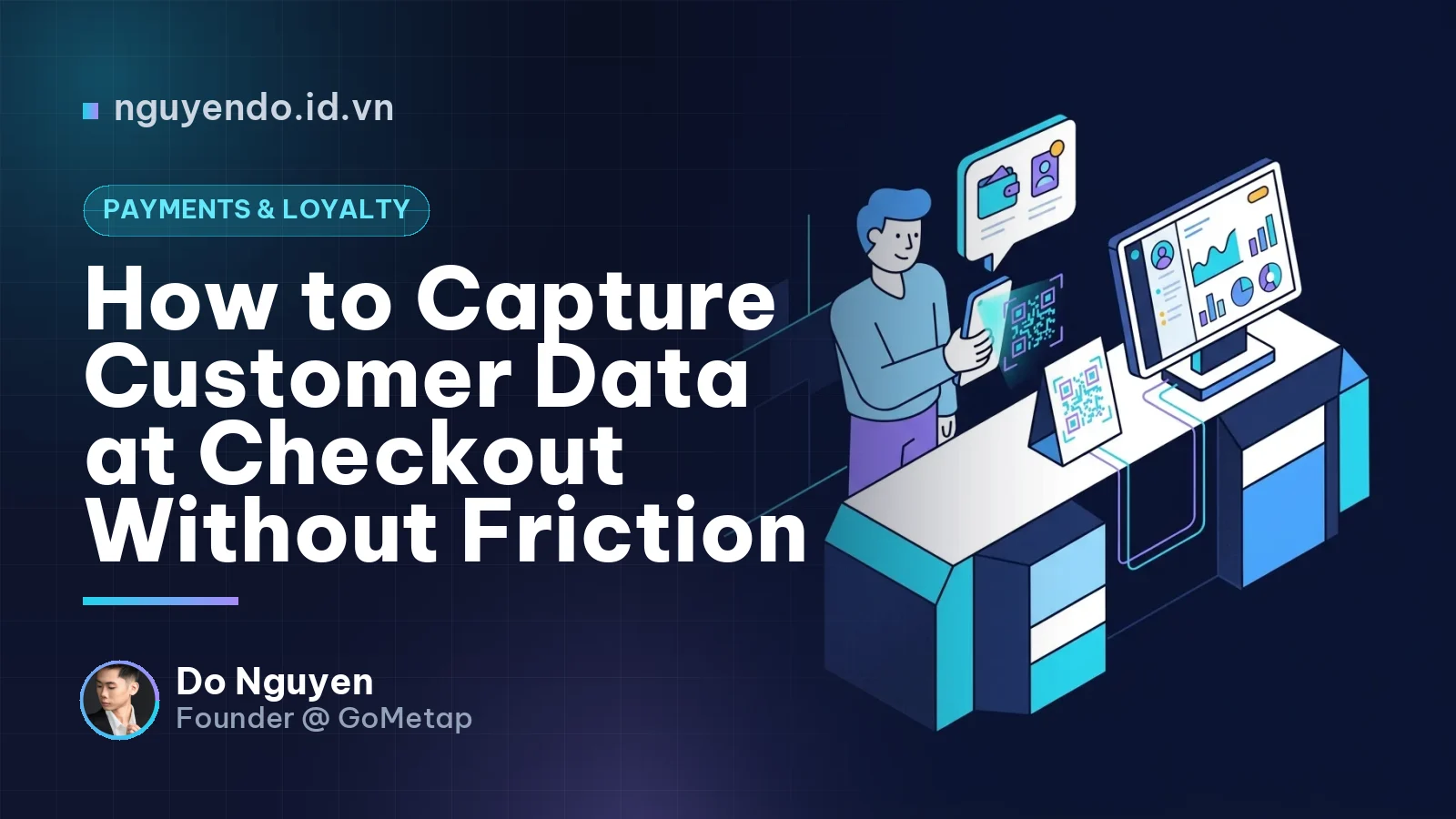
Table of contents
- What Is Data Capture Rate?
- Why the Traditional "Can I Get Your Number?" No Longer Works
- 3 Golden Rules for Capturing Customer Data at Checkout
- Leveraging Technology for Frictionless Data Capture
- 1. QR Code Scans to Save Apple/Google Wallet Passes at the Counter
- 2. Embedding Data Capture into the QR Order Flow
- 3. Combining Data Capture with VietQR Payments
- Comparison of In-Store Data Capture Methods
- High-Converting Cashier Scripts
- Setting KPIs and Team Training
- Conclusion
To capture customer data at checkout effectively without causing annoyance, businesses must combine self-service technology (such as QR codes that save passes to Apple/Google Wallet) with smart cashier scripts that deliver immediate value. Instead of manually asking for phone numbers and creating peak-hour bottlenecks, digitizing checkout touchpoints speeds up transaction times, protects privacy, and doubles conversion rates from walk-in shoppers to loyal members.
While running GoMetap and consulting for hundreds of SMEs in Vietnam, one of the most common questions I get is: "How do we collect customer data without them declining?". A customer walks in, orders a coffee, pays, and leaves. The shop makes a sale, but has no idea who just paid or when they will return. If you rely 100% on cashiers asking: "Can I have your phone number to earn points?", you are leaving a massive amount of customer data on the table.
This article outlines an actionable framework and workflow to solve the in-store Data Capture challenge as smoothly as possible.
What Is Data Capture Rate?
Data Capture Rate is the percentage of customers who agree to provide personal identifying information (typically Name and Phone number) out of the total transactions during a specific period.
For example, if your coffee shop processes 100 orders today and 30 people leave their details for loyalty points, your Data Capture Rate is 30%. For an F&B or retail SME, the ideal benchmark should sit between 40% and 60%. If your rate drops below 20%, your checkout workflow has significant friction.
Why the Traditional "Can I Get Your Number?" No Longer Works
Five years ago, asking for phone numbers at the counter was effortless. Today, things are different. Customers frequently refuse for three core reasons:
- Social anxiety and privacy concerns: Reading out a 10-digit phone number in a quiet café or an overcrowded line makes people uncomfortable. Customers worry about leaking their personal data.
- Spam fatigue: Customers fear that immediately after giving out their number, they will be bombarded with promotional SMS, cold calls for loans, or unsolicited services.
- Peak-hour bottlenecks (Checkout Friction): Asking for a phone number, typing it into a POS screen, and re-confirming customer details takes 20-30 seconds on average. During rush hours, this 30-second delay creates long lines. Facing pressure to clear the queue, cashiers inevitably skip asking for customer data altogether.
3 Golden Rules for Capturing Customer Data at Checkout
To make customers willingly share their data, your process must meet three essential criteria:
- Rule 1 - Instant Value: Do not talk about a vague future ("spend enough to get 100 points for a free drink"). Show them immediate value on their current bill: "Sign up right now to get 10% off this order."
- Rule 2 - Self-service: Never force verbal interaction if customers prefer not to. Let them complete the steps directly on their own smartphones.
- Rule 3 - Minimal Data: At checkout, you only need two data points: Name and Phone number. Never ask customers to fill out their Date of Birth, Email, or Home Address at this stage. You can collect enriched data later via follow-up retention campaigns.
Leveraging Technology for Frictionless Data Capture
At GoMetap, we build our O2O ecosystem around one core philosophy: "Technology must never slow down the checkout line." Here are three ways SMEs are applying technology to solve this problem.
1. QR Code Scans to Save Apple/Google Wallet Passes at the Counter
This is currently the most effective method (App-less Loyalty). Place a small acrylic counter display or standee right at checkout featuring an appealing hook (e.g., "Scan QR to get your VIP Pass and a 20K voucher instantly").
- Step 1: While waiting for their order or POS processing, the customer scans the QR code using their smartphone camera.
- Step 2: An ultra-short signup form (just Name and Phone number) appears in their mobile browser.
- Step 3: The customer taps "Save Pass". The membership card is saved directly to native Apple Wallet or Google Wallet.
This entire flow takes around 15 seconds, runs strictly on the customer's own device, and guarantees full privacy. Cashiers don't need to do anything except scan the barcode on the Wallet pass to apply the discount.
2. Embedding Data Capture into the QR Order Flow
If your store uses table-ordering QR codes (QR Order), you can embed customer identification directly into the ordering flow. Customers enter their Name and Phone number to confirm the order or receive ready-for-pickup notifications. This data syncs instantly with your CRM. It creates a natural customer experience without feeling like you are "asking" for personal info.
3. Combining Data Capture with VietQR Payments
When customers pay via static or dynamic VietQR codes, the system can return a status screen: "Payment successful. Tap here to save this transaction and earn points." By bundling payment and loyalty into a single mobile journey, opt-in conversion rates soar.
Comparison of In-Store Data Capture Methods
| Method | Checkout Speed | Privacy Level | Customer Experience | Best For |
|---|---|---|---|---|
| Calling out phone number | Slow (20-30s) | Low (Data easily overheard) | High friction, unnatural | Regulars, quiet hours |
| Paper form / Logbook | Very slow | Very low | Outdated, hard to digitize | Not recommended |
| QR Scan to Apple/Google Wallet | Blazing fast (10-15s) | Completely secure | Modern, seamless (App-less) | F&B, Retail, Spas, Salons |
High-Converting Cashier Scripts
No matter how advanced your technology is, the cashier remains the ultimate conversion driver. The difference between the right and wrong phrase can make or break your store's Data Capture Rate.
❌ WHAT NOT TO SAY:
- "Can I get your phone number?" (The customer will immediately ask: What for?)
- "Please download our app to earn points." (App downloads create massive friction: Wi-Fi requirements, storage limits, password creation).
✅ WHAT TO SAY (Highlight instant value):
- Script 1 (Instant discount): "Your total is 100k. Scan this QR code on the counter to save your pass, and I'll take 10% off right now!"
- Script 2 (Free item): "Scan this QR code to grab your member pass—we're offering a free dessert for new members today. You can complete it right on your phone."
- Script 3 (In-a-hurry customer): "While the POS prints your receipt, scan this QR code to grab your digital warranty and points for next time—no app download needed!"
Setting KPIs and Team Training
Customer data is an invaluable business asset. You cannot improve what you do not measure. To build data capture into your store culture, founders should take two steps:
- Set Data Capture Rate KPIs: Set a target for store managers to keep this rate above 40%. Consider offering spot incentives for cashiers based on new members captured monthly.
- Conduct Role-Playing: Don't just hand staff a printed script. Dedicate 30 minutes during shift handovers to role-play. Have managers play demanding customers while cashiers practice introducing the Wallet QR pass naturally.
Conclusion
Converting one-off visitors into loyalty members is the first and most critical stage of the customer retention funnel. By replacing awkward phone number requests with a smart QR code linked to Apple/Google Wallet and an incentive-driven script, you create a fast, modern, and friction-free checkout experience. When checkout friction drops to zero, customer data flows sustainably and automatically into your CRM.

Comments
No comments yet. Be the first to share your thoughts!